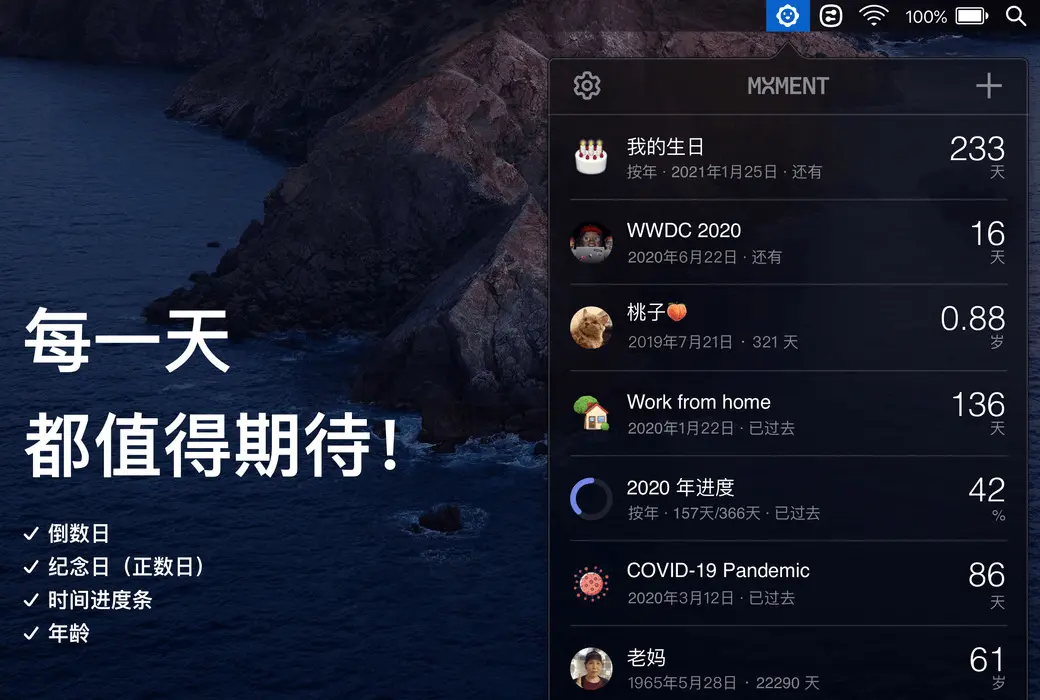
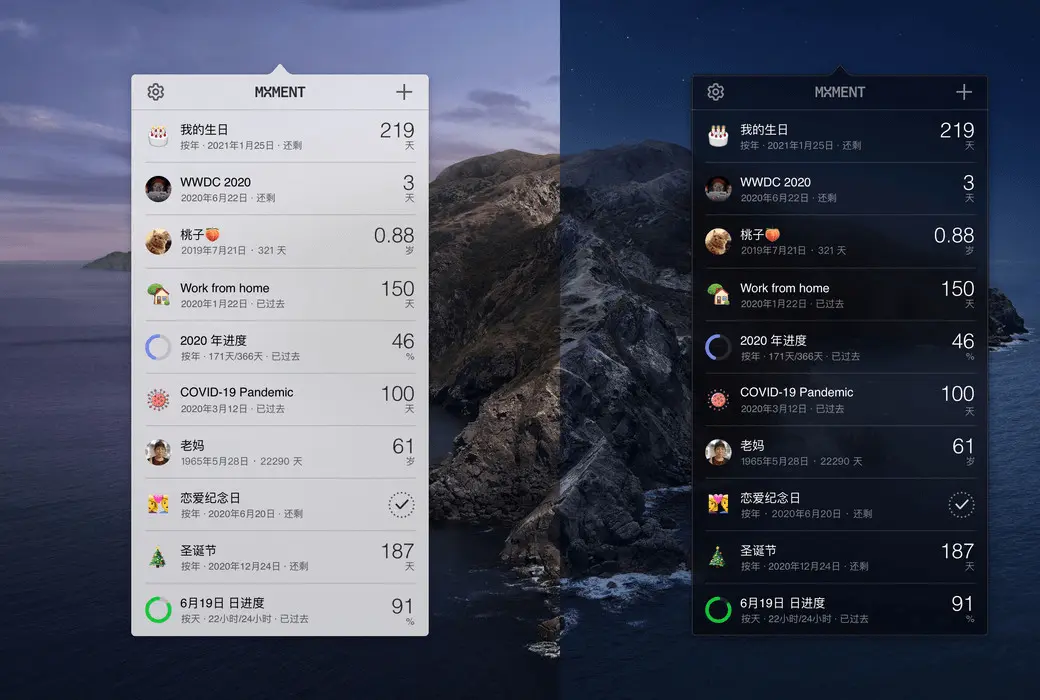
Moment is a countdown app that resides in the macOS menu bar and notification center.
We live in fleeting time, remembering every important small day and big event, keeping track of the progress of each day and year, and caring for the people around us and those close to us from afar are all extraordinary rituals in our daily lives. The emergence of Moment allows you to know the arrival of these days at any time with just a glance on your computer.
- Countdown Day and Memorial Day
Create countdown days for your life and various anticipated events, such as birthdays, exams, graduation, weddings, travel, payroll, Christmas, New Year, WWDC 2020, 2021 Tokyo Olympics, and how many days until the release of your favorite game.
To commemorate past events, help you calculate the cumulative days from that day, such as: how many days have passed since successfully conceiving a baby, how long have you been working from home, and this is your first day joining a new company.
- Time progress bar
Do you know what percentage has already passed at this moment today? Do you know how much progress has been made this year? By using a time progress bar, you can plan your little time reasonably, less slacking off and more effort.
- Age
Add your newborn baby and watch them grow up day by day.
Add the profile pictures and ages of your loved ones, caring friends, parents, and relatives, reminding yourself to stay in touch with them at all times.
Don't forget to add yourself, watch yourself grow and age, but don't waste every day, every year.
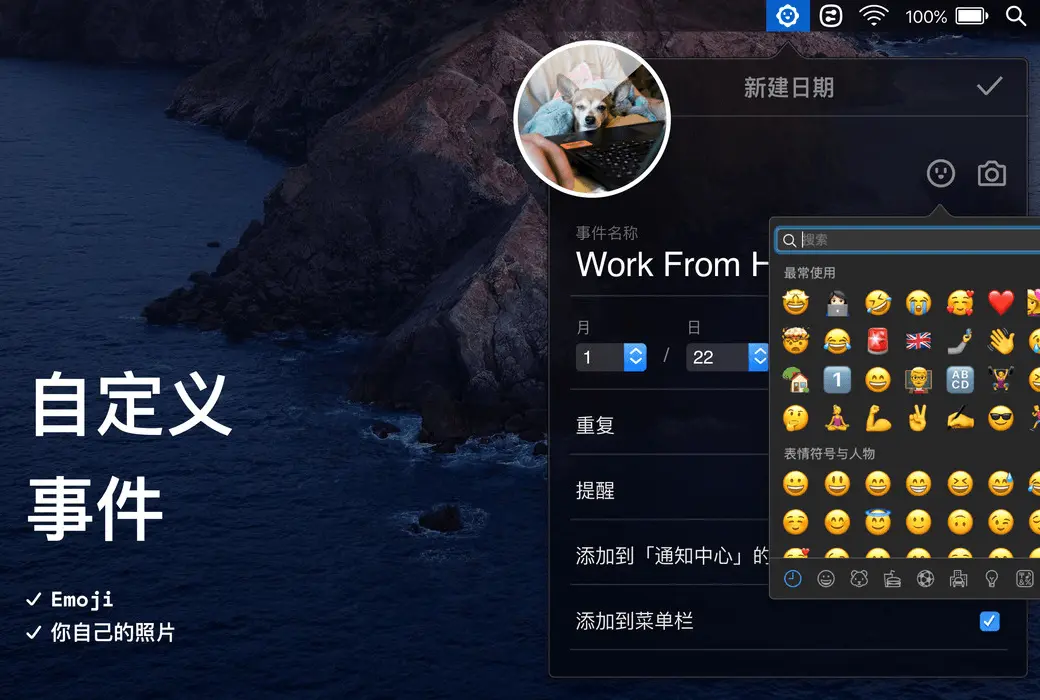
- Custom Events
Support adding corresponding emojis and photos for each date.
Depending on the type of event, it supports creating loops annually, monthly, weekly, and daily. For example, don't forget to regularly drive your cat for bugs every month.
Important days are approaching, and you can customize the time for reminder push. You can choose to be notified on the same day or earlier.
- View your days in multiple views
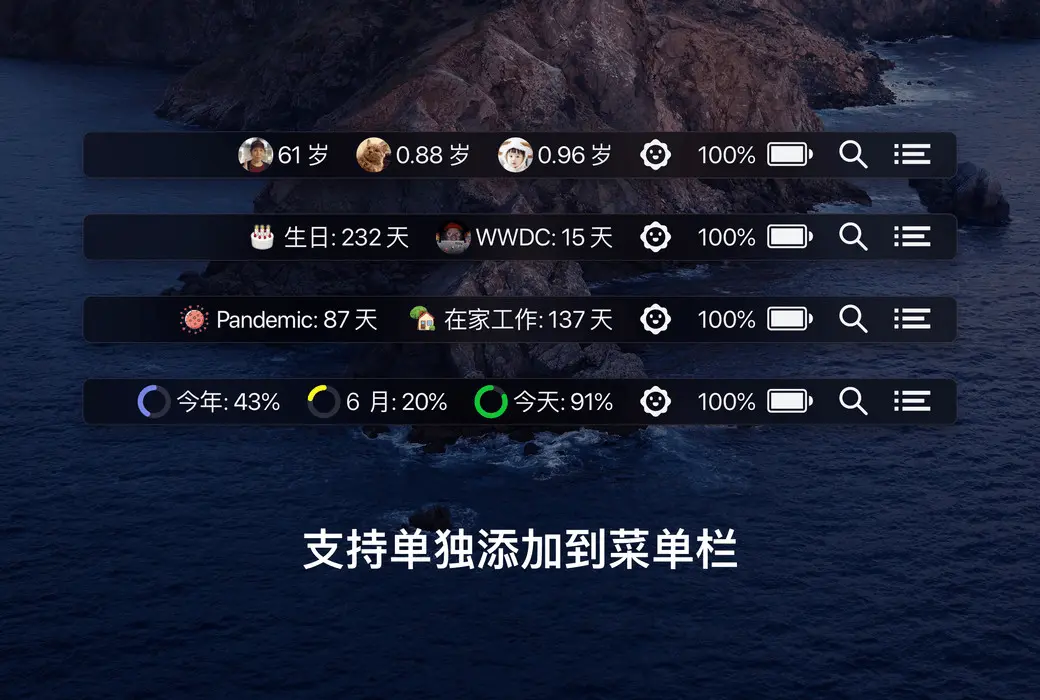
Each date can be individually added to the menu bar, allowing you to glance at it anytime without opening the app.
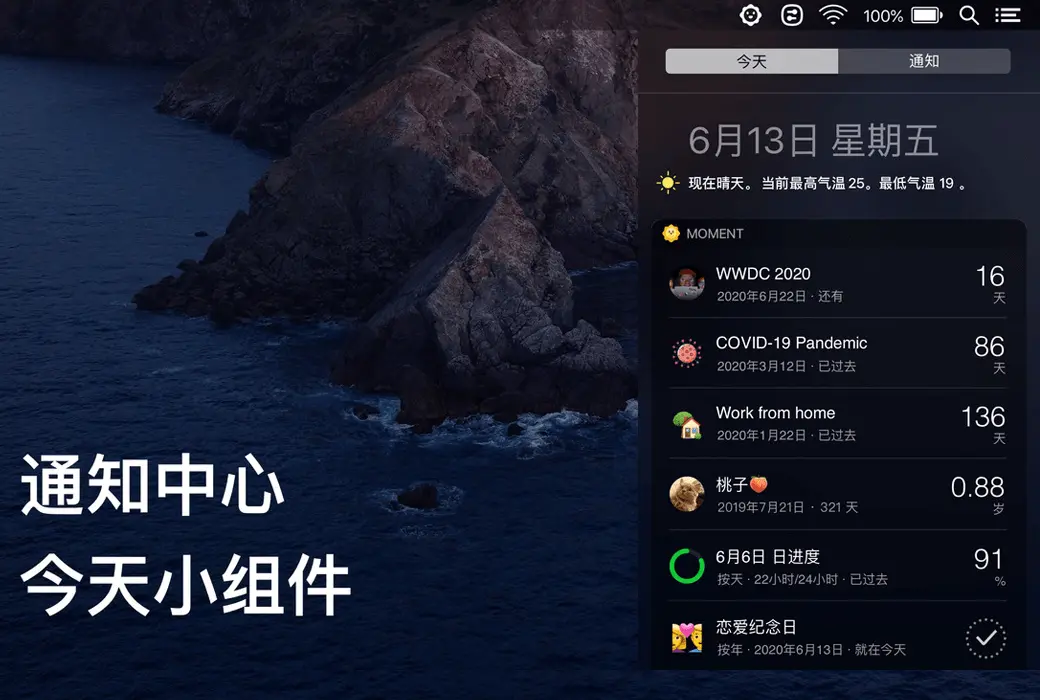
Each event can also be added separately to the "Today" widget in the notification center. When checking today's weather, you can also see the progress of your big days now.